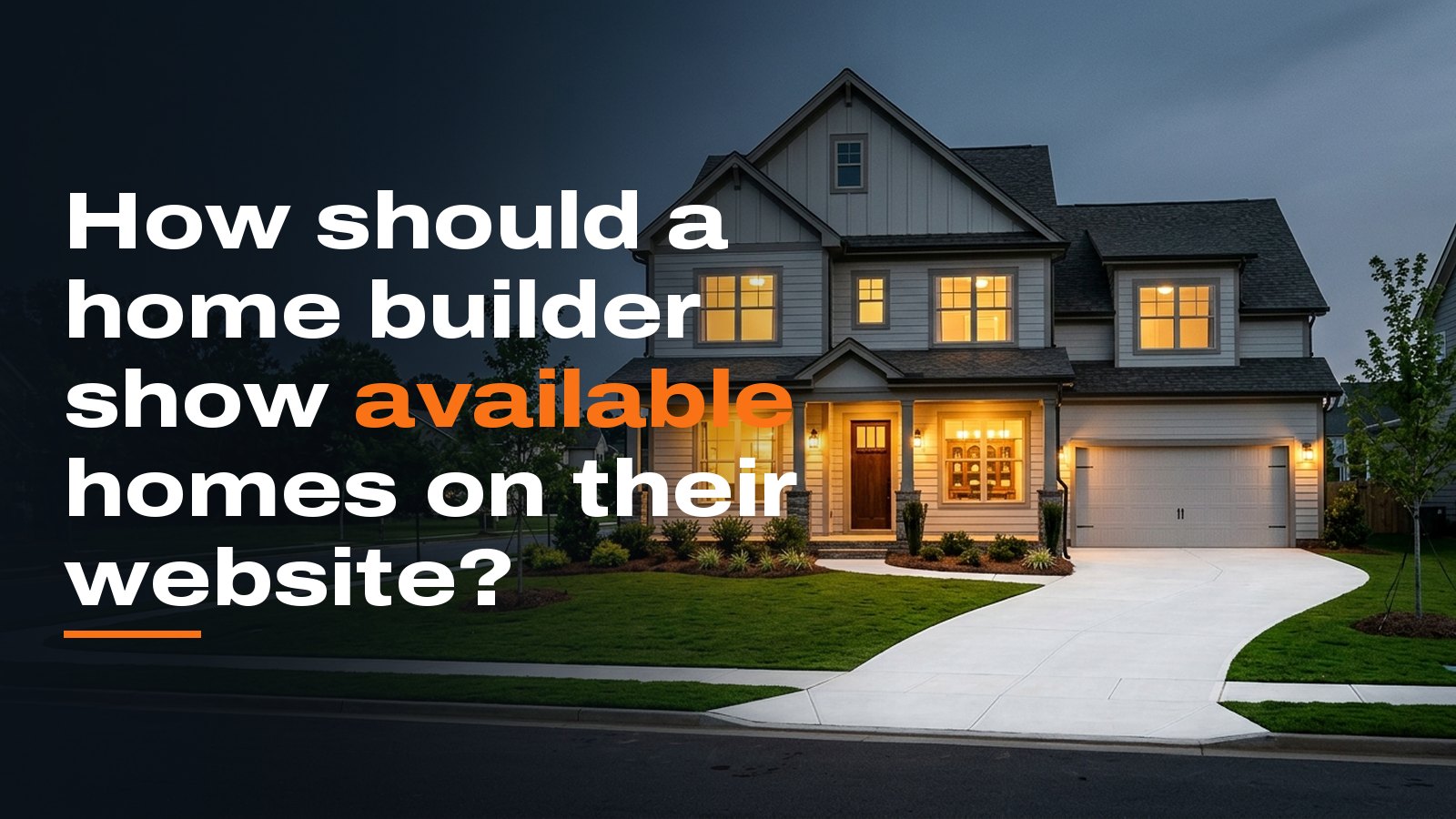
Buyers looking at inventory are closer to signing than anyone else on your site. They want to know three things: what they can move into, when, and for how much. Your site should answer all three without a phone call, which means a dedicated Available Homes page in the main menu and a separate page for every house on it.
What goes on the Available Homes page?
One card per home, sorted by completion date with move in ready homes at the top. Every card carries the same fields so a buyer can compare at a glance.
- A real exterior photo, or a rendering clearly labeled as one
- Status: move in ready, under construction, or coming soon
- Price
- Community and address or lot number
- Plan name, beds, baths and square feet
- Estimated completion month
Add filters only if you carry more than a dozen homes or build in more than one community. Buyers filter by price, community and move in date. Bedrooms comes a distant fourth.
Each community page should also show the available homes in that community. A buyer who found you through one neighborhood should not have to start over to see what is ready there.
Should we list the price?
Yes. I understand the case for "call for pricing." You want the conversation, and you do not want to anchor the negotiation. In practice, a buyer who cannot see a price assumes it is more than they can afford and moves on to the next builder's site.
A home without a price on your website is a home the buyer has already ruled out.
If you are running an incentive on a spec home, put it on the card in plain words with the end date. Buyers read incentives as a reason to call. They do not read "call for details" that way.
What does each home's own page need?
The detail page is where the decision happens, so lead with photos. A finished spec home needs 20 to 30 professional photos covering every room, the back yard and the street. For a home still under construction, show the current stage with the date in the caption, plus clearly labeled photos of the same plan in your model or a finished home.
Below the photos, add a floor plan buyers can zoom in on. Then list what is included: countertops, flooring, appliance package, and lot features like a walkout basement or a yard that backs to trees. Write a short paragraph about this specific house: the lot, the view, and what sets it apart from the same plan two streets over.
The form on this page should already know which home the buyer is asking about. A generic contact form loses that, and your sales rep opens the call by asking something the buyer already answered. Put a phone number and a tour request right beside the form.
Give each home a plain web address with the community and the address or plan name in it. That page is what Google and the AI assistants find when someone searches for new homes in a specific community. A card buried halfway down a long list does not get found.
How do we keep it current?
Stale inventory is worse than no inventory. A buyer who calls about a house that sold three weeks ago stops trusting the rest of your site. Your salesperson then spends the call apologizing instead of selling.
The fastest way to lose a buyer's trust is to show them a house they can't buy.
Give one person ownership of the page, usually the sales manager or a sales assistant. Make updating the site part of the same step as a contract going firm. Mark the home under contract that day, then move it to a recently sold section within a week. A short list of sold homes is good proof that you build and close.
For most builders with fewer than twenty homes in inventory at once, a well built content management system is enough. Your team edits the fields and uploads photos themselves. Larger builders with several communities usually need a feed from their sales system so the site updates itself.
That feed is a bigger build. In my experience, sites with inventory feeds, lot maps and multiple communities often run $30,000 or more, while a solid builder site without them typically lands between $8,000 and $25,000. Those are typical ranges, not a quote, and scope sets the number.
Show every available home with a price, real photos and a completion date, give each one its own page and form, and update the list the day a home sells. That covers most of what buyers need to decide whether to call you.